
The following are some of the most frequently asked questions.
1. Android phone or tablet
2. Apple iPhone or iPad
3. Windows PC
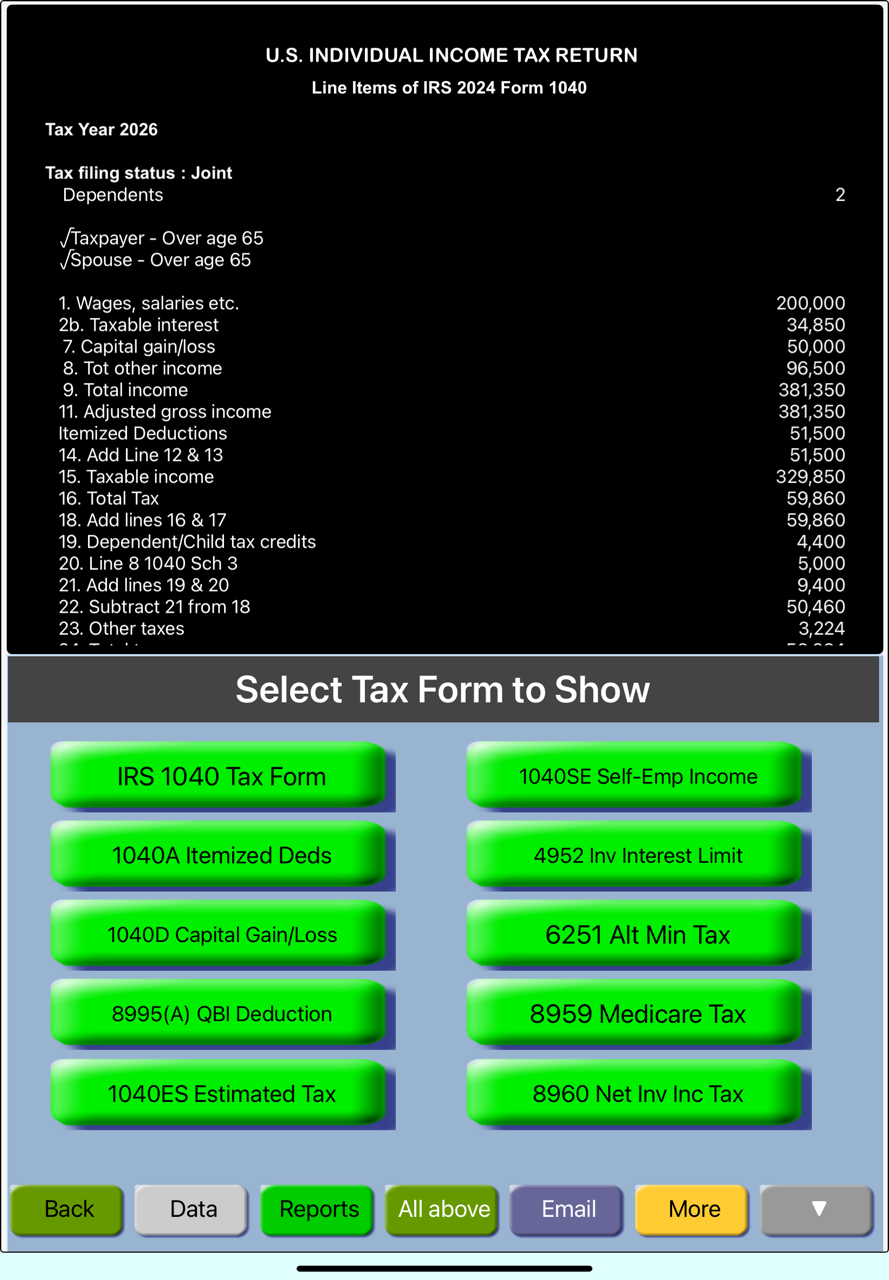
Each results shown on the Result Display Window is fully supported for its computations.
To display these details, tap on the amount
Build the initial scenario with applicable data.
Press F4 (or select Static compare option from the menu)
If the alternate scenario is a modification of current scenario
Make data additions or modifications as needed. TaxMode will compute and compare the results with the pre F4 scenario.
If the alternate scenario is going to be built from scratch
File
New Case
Build the new scenario. TaxMode will compute and compare the results by tapping Options & Analysis:Normal followed by tapping tab for the type of comparison needed..
If the alternate scenario is already saved in a file
File
Load Case
Select the file of the case you want to compare. Upon loading TaxMode will show the details and the bottom-line difference.
A number of details necessary for meaningful computation of taxes can be entered by clicking the Exemption button. This information is used in the computation of the amount of personal exemptions, Regular Tax, Alternative Minimum Tax and Earned Income Credit (EIC) if applicable.